Distributors and installers handle most complaints, and most of them are not defects. This checklist covers the common ones and how to solve them quickly.
Fingerprint not recognised
- Clean and dry the finger and the sensor. Wet or oily fingers read poorly.
- Press the centre of the finger flat on the sensor.
- Re-enrol the finger, and enrol two fingers per user.
- Children and people with worn fingerprints may fail; add a password or card instead, or use face recognition on models that have it.
Low-battery alerts
- Replace the four AA batteries on handle locks such as the B6 and T6S, and use fresh batteries of one brand.
- Recharge the battery on dual-screen locks.
- If the lock is dead, use the USB emergency port (handle locks) or the Type-C emergency port (dual-screen locks) with a power bank, or use the mechanical key.
See also our guide to battery life and emergency power.
App will not connect
- Check the platform: Tuya, TTLock or Matter versions use different apps.
- For Wi-Fi models, pair on a 2.4 GHz network. 5 GHz networks usually fail.
- Move the phone close to the lock during pairing and make sure Bluetooth is on.
- Check that the router is in range of the door.
Door will not latch or the handle feels stiff
- Check strike plate alignment. A small misalignment is the most common cause.
- Check door thickness and spindle length.
- Make sure the cable is not pinched between the panels.
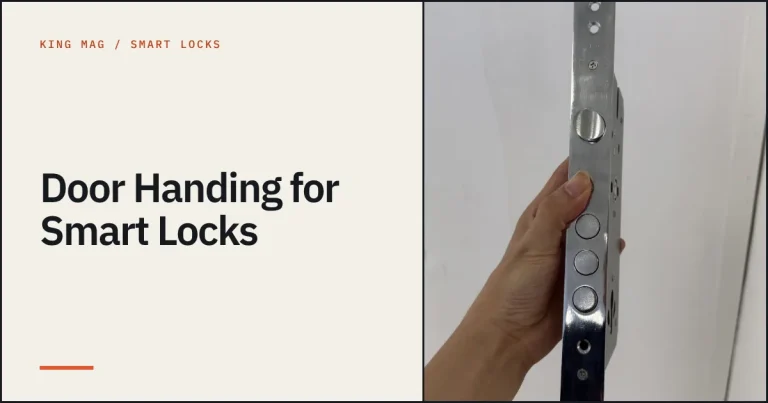
- Check handing: a handle fitted backwards behaves like a fault.
Keypad ignores touches
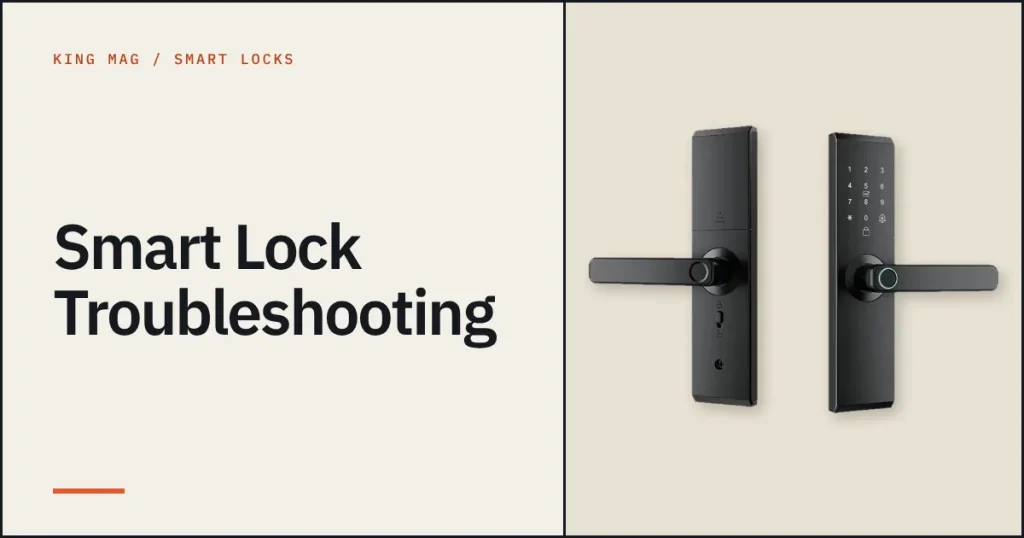
Touch keypads respond to a bare finger. Gloves and wet surfaces reduce sensitivity. Wake the keypad by touching it first, then enter the code.
When to contact us
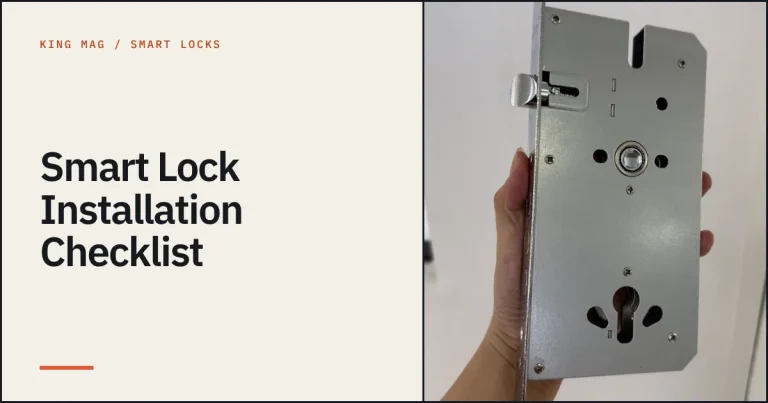
If the lock still fails after these checks, send a short video and the model, batch and symptom to us on WhatsApp. Use the installation checklist to confirm the setup first.
Frequently asked questions
Why does my fingerprint lock fail in winter?
Cold, dry fingers read poorly. Warm the finger, press flat and keep another unlock method enabled.
Why will the app not pair?
Wi-Fi models pair on 2.4 GHz. Check the platform and keep the phone near the lock.
What if the battery dies?
Use the mechanical key or connect a power bank to the USB or Type-C emergency port.