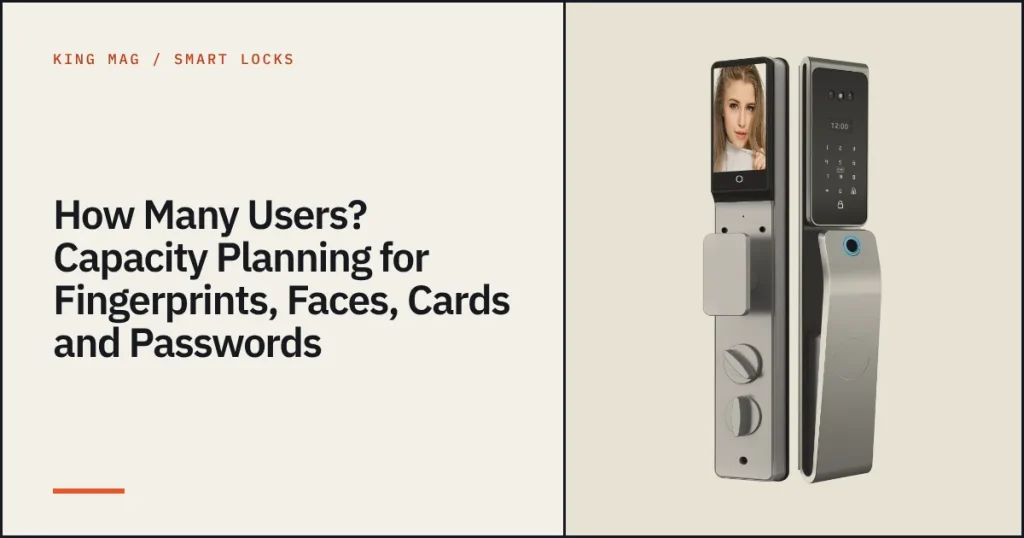
Capacity is easy to overlook when you compare smart locks, yet it decides whether one lock can serve a family, an office or a rental with staff turnover. Here is what our models list and how to plan.
Capacity by series
| Model | Fingerprints | Faces | Cards | Passwords |
|---|---|---|---|---|
| Dual-screen series (A60S, A57S, A20S, A67S, AC series) | 50 | 50 | 200 | 200 groups |
| B65S | 99 | – | 300 | 300 groups |
| T6S | up to 300 users in total | |||
| D3 | – | – | IC cards included | up to 100 |
How to plan
Family homes
A family of four needs about eight fingerprints (two per person), four faces and a few cards. Even the smaller capacities are generous. Keep space for relatives and a helper.
Offices and shops
Count employees and add contractors. A team of 30 may need 30 fingerprints and 30 cards; a lock with 99 fingerprints or the T6S with 300 users gives room to grow. Remove leavers promptly.
Rentals
Rentals use many temporary codes and a few permanent users. Choose a lock with many password slots and expiring codes. See our guide to smart locks for rentals.
Enrol more than one finger
Enrol two fingers per person, one from each hand. It improves reliability if one finger is wet or hurt, but it uses capacity faster.
Why capacity matters for resellers
- It prevents returns from users who cannot add one more person.
- It supports upselling: a bigger capacity model for offices.
- It simplifies spec comparisons with other suppliers.
Compare more details on our product catalog, or read about fingerprint versus face recognition.
Frequently asked questions
What is the capacity of the dual-screen locks?
50 faces, 50 fingerprints, 200 cards and 200 password groups.
Which model supports the most users?
The T6S lists up to 300 users, and the B65S lists 300 passwords and 300 cards.
How many fingers should each user enrol?
Two or more fingers per person improves reliability but uses capacity faster.